Welcome to Geeklog, Anonymous Saturday, April 20 2024 @ 12:58 am EDT
Downloads





*** Updated tarball ***
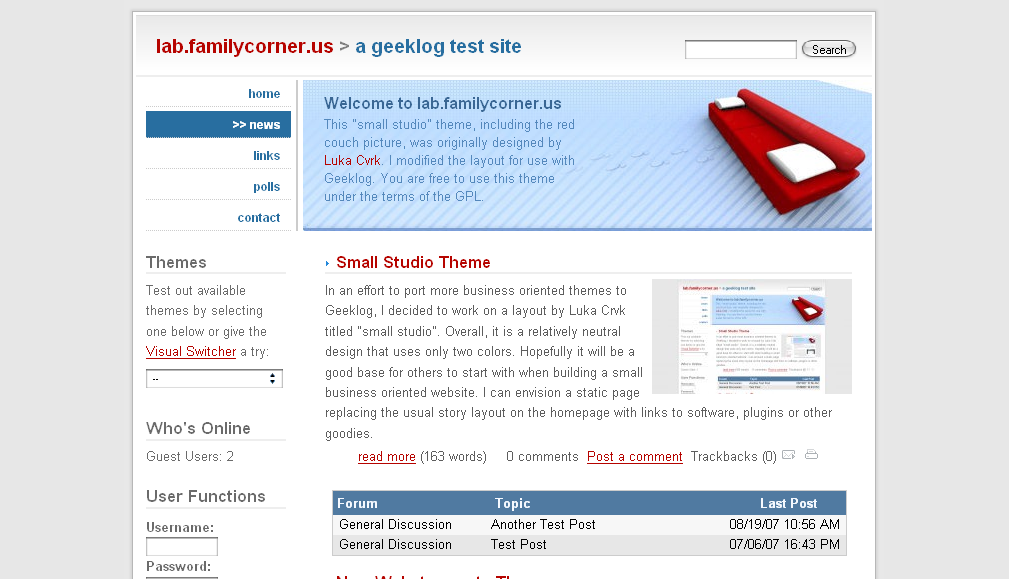
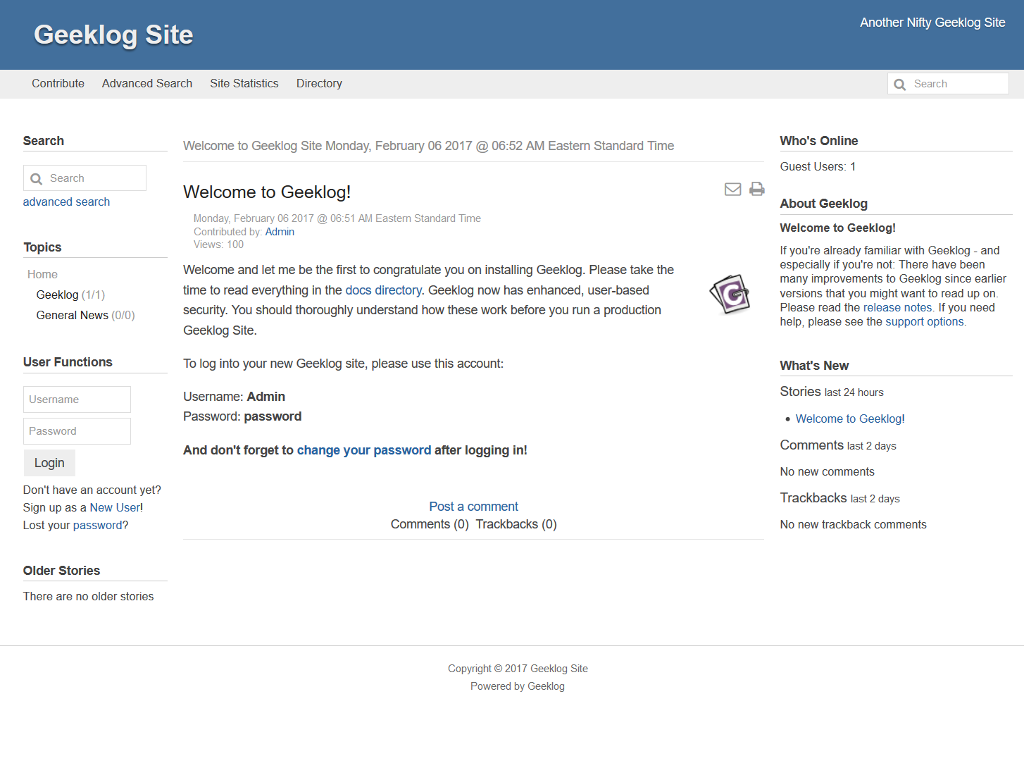
Geeklog 2.1.2 is the recommended version for all production websites. For upgrades please make sure any plugins you are using are compatible with Geeklog 2.1.2 or higher. This is a complete tarball for fresh installs as well as upgrades from any older Geeklog version.
For more information on the new features and bug fixes in this version, please read this article or the history text file found in the docs directory.
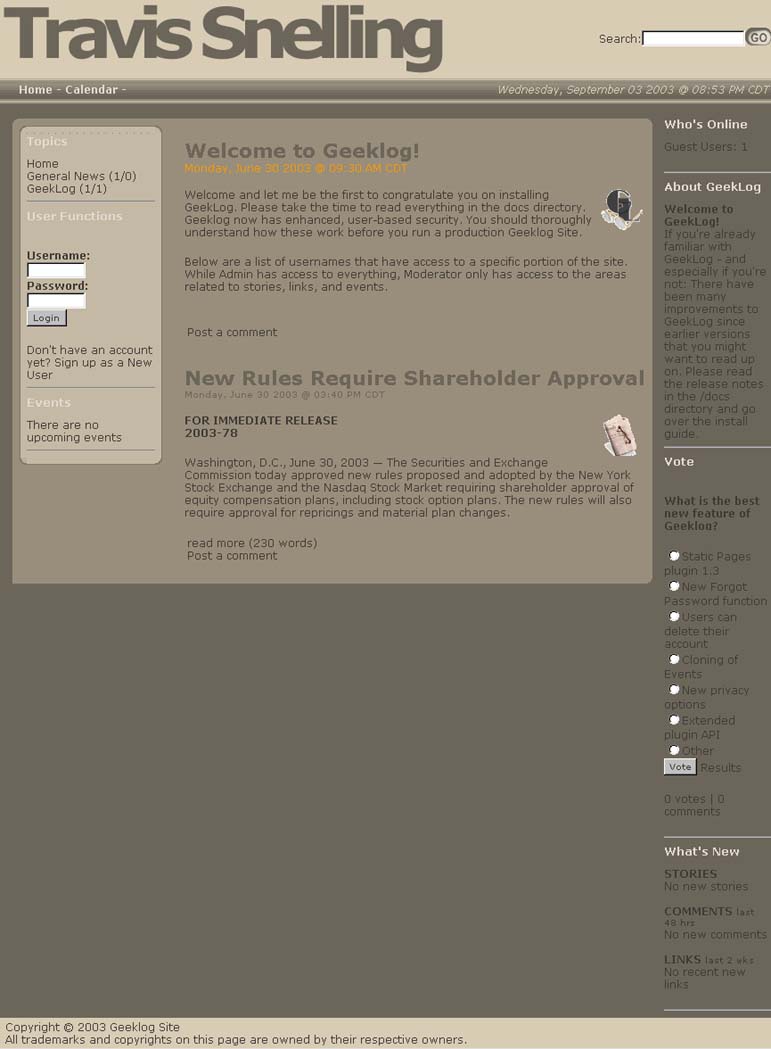
Please note that this is not the final version yet and may contain bugs. You're invited to try it out but to actually run a productive Geeklog site, you may be better off with the latest stable release, 1.4.0sr5-1.
md5 checksum: a52b48e9c8d021dd32f0d1bd7e2ac9c6

This is the second beta release of Geeklog v2.2.0. Please try it out on a non-production website and give us your feedback.
For more information on the new features and bug fixes in this version please read the history text file found in the docs directory.
For live sites the recommended Geeklog version is v2.1.3.
Note: Make sure your 3rd party Geeklog plugins are updated to the latest version as they are required to use the function COM_createHTMLDocument. This replaces the functions COM_siteHeader and COM_siteFooter. If you are unsure if a plugin supports Geeklog v2.2.0 then either disable it during the install or uninstall it.
If you find any bugs in this release, please report them here.
Geeklog v2.2.1 is the recommended version for all production websites. For upgrades please make sure any plugins you are using are compatible with Geeklog v2.2.0 or higher. This is a complete tarball for fresh installs as well as upgrades from any older Geeklog version.
For more information on the new features and bug fixes in this version, please read this article or the history text file found in the docs directory.
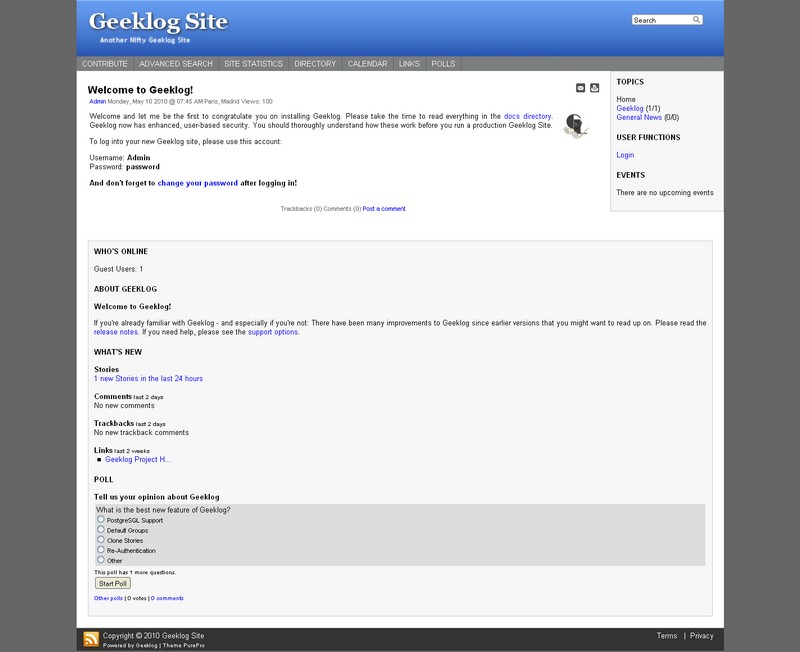
--
You can manualy change settings (layout, colors, menu...) in the default-settings.php file.
Purepro need to have write permission to the purepro/css folder.
Delete the purepro/css/my-site folder to rebuild css with new layout, color, menu... settings.
--
Coming soon online tool on geeklog.fr to play with settings

This is the first beta release of Geeklog v2.2.0. Please try it out on a non-production website and give us your feedback.
For more information on the new features and bug fixes in this version please read the history text file found in the docs directory.
For live sites the recommended Geeklog version is v2.1.3.
Note: Make sure your 3rd party Geeklog plugins are updated to the latest version as they are required to use the function COM_createHTMLDocument. This replaces the functions COM_siteHeader and COM_siteFooter. If you are unsure if a plugin supports Geeklog v2.2.0 then either disable it during the install or uninstall it.
If you find any bugs in this release, please report them here.
- LinuxTag 2006, Wiesbaden, Germany, 2006-05-06
- PHP user group meeting, Stuttgart, Germany, 2006-05-10
- FrOSCon, Bonn, Germany, 2006-06-24